OPEN SOURCE. TERMINAL NATIVE.
Your files.
A conversation.
Ask your files anything. Get answers with sources.
All from the terminal you already call home.
A little less searching. A little more knowing.convo
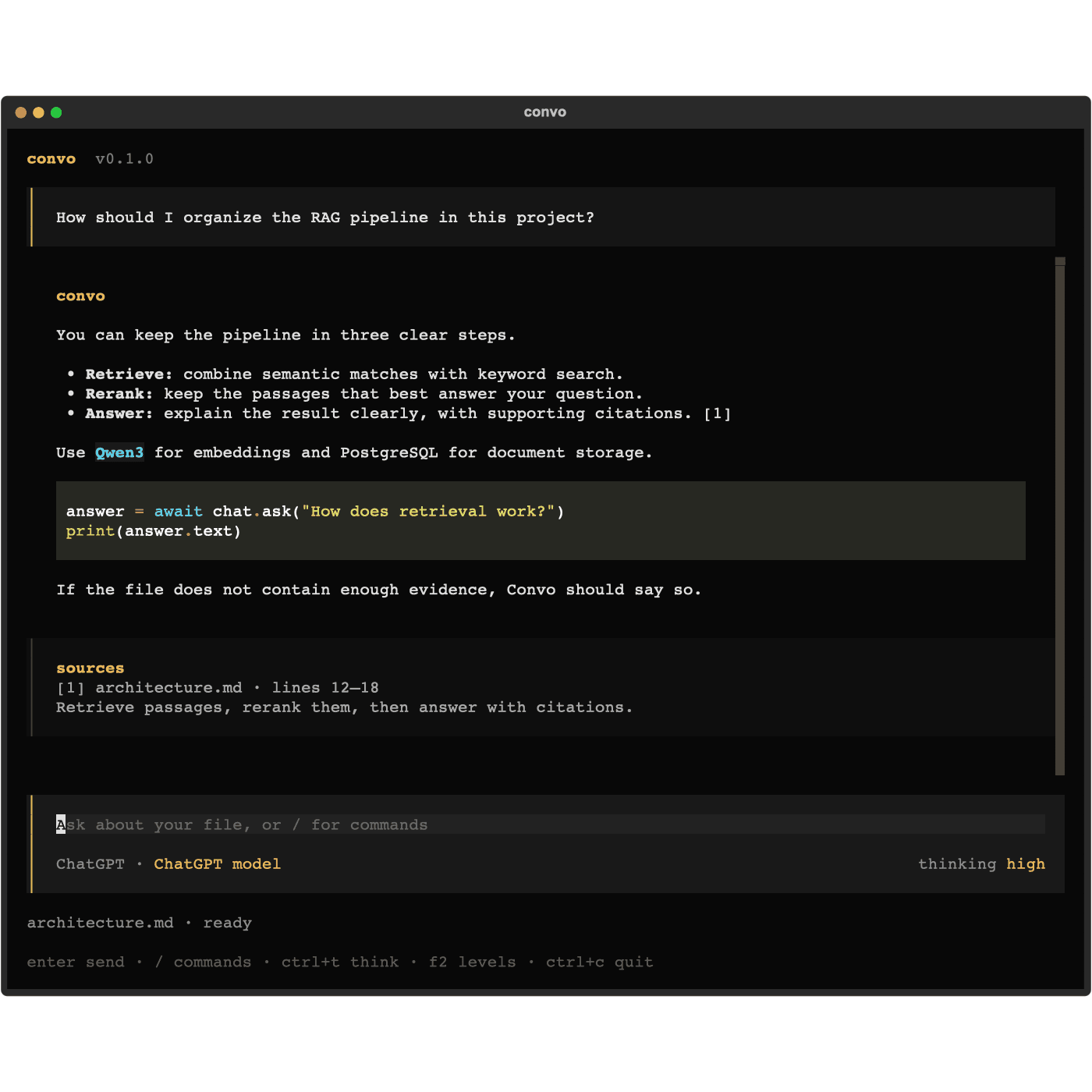
From directory to dialogue.
Open your terminal. Bring a file. Start a convo.
Meet Convo in your directory
Move into the folder with your files, then launch Convo.
cd ~/Documents
convoOr browse another folder with
convo --directory ~/Documents. First launch prepares your local database.Connect. Pick a file.
Use
/loginto connect your ChatGPT account in the browser. Then use/fileto select and index a file./login/models/fileChoose your model with
/models. The first file downloads the local embedding and reranking models.Ask away. Follow the sources.
Type a question and press Enter. Read the answer alongside quotations from your selected file.
What are the key ideas in this document?Conversations save automatically. Pick up where you left off with
/sessions.